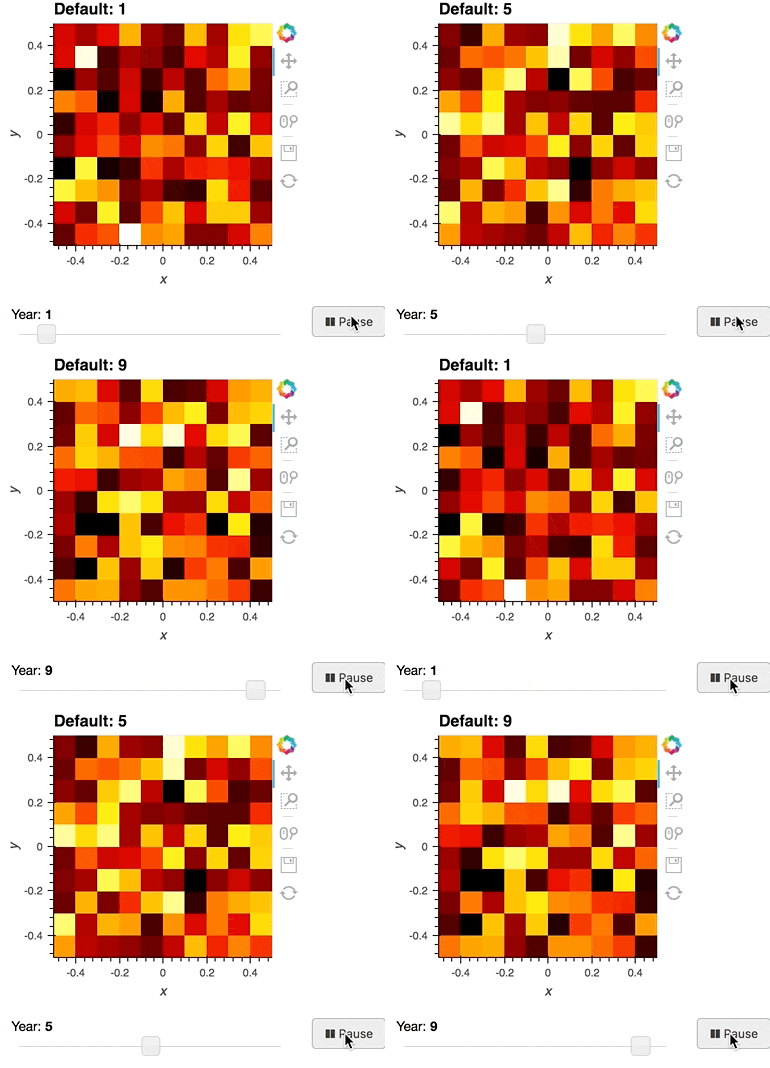
Player#
Download this script from GitHub (right-click to download).
"""
An example of a simple player widget animating an Image demonstrating
how to connect a simple HoloViews plot with custom widgets and
combine them into a bokeh layout.

The app can be served using:

    bokeh serve --show player.py

"""

import numpy as np
from bokeh.io import curdoc
from bokeh.layouts import layout
from bokeh.models import Button, Slider

import holoviews as hv

renderer = hv.renderer("bokeh")

# Declare the HoloViews object
seed = np.random.default_rng()
start = 0
end = 10
hmap = hv.HoloMap({i: hv.Image(seed.random(size=(10, 10))) for i in range(start, end + 1)})

# Convert the HoloViews object into a plot
plot = renderer.get_plot(hmap)


def animate_update():
    year = slider.value + 1
    if year > end:
        year = start
    slider.value = year


def slider_update(attrname, old, new):
    plot.update(slider.value)


slider = Slider(start=start, end=end, value=0, step=1, title="Year")
slider.on_change("value", slider_update)

callback_tasks = {}


def animate():
    if button.label == "► Play":
        button.label = "❚❚ Pause"
        callback_tasks["animate"] = curdoc().add_periodic_callback(animate_update, 400)
    else:
        button.label = "► Play"
        curdoc().remove_periodic_callback(callback_tasks["animate"])


button = Button(label="► Play", width=60)
button.on_click(animate)

# Combine the bokeh plot on plot.state with the widgets
layout = layout(
    [[plot.state], [slider, button]],
    sizing_mode="fixed",
)

curdoc().add_root(layout)